
Game File Browser
The Game File Browser allows you to view every single resource in The Sims 4! There’s a lot of resources, so this window has several tabs to help in your searches.
Importing & Exporting
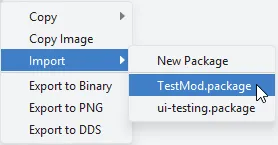
Section titled “Importing & Exporting”All tabs have the ability to import resources into packages, or export resources to files.
All Resources
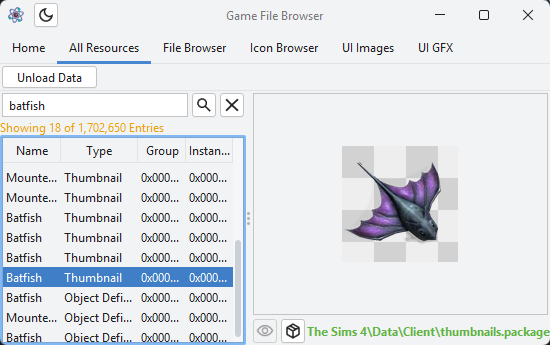
Section titled “All Resources”As the name implies, this shows every single resource in the game at once.
File Browser
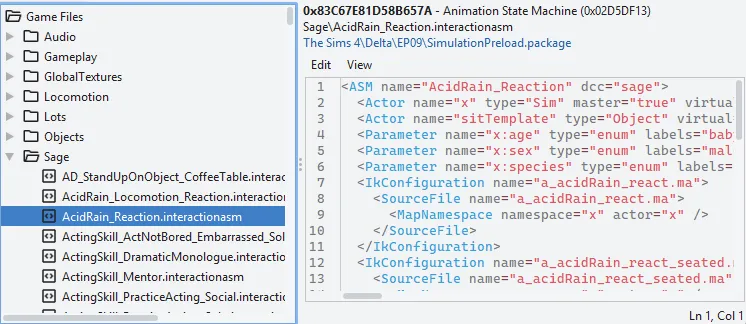
Section titled “File Browser”Some resources have a known file name and relative file path, which can be viewed in a file tree. This includes audio, video, icons, state machine XML, and more!
Icon Browser
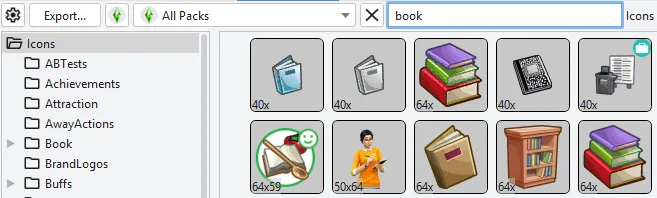
Section titled “Icon Browser”Browse every icon in the game at once! Filter by folder, pack, and search terms. Bulk exporting.
UI Images
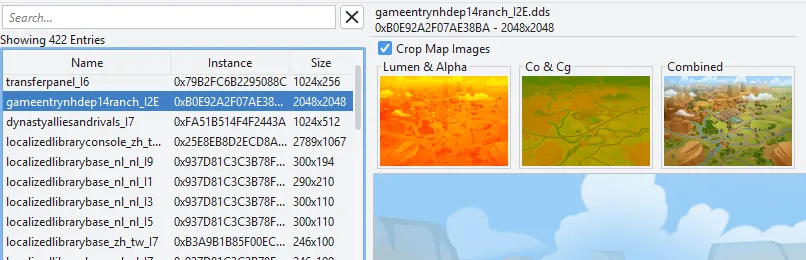
Section titled “UI Images”View and export YCoCg UI images in UI.package.
UI GFX Work In Progress
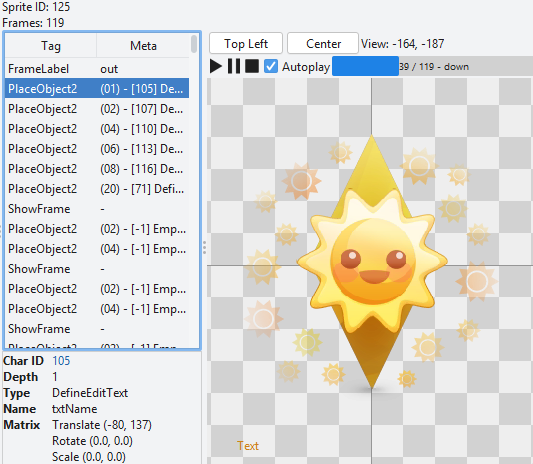
Section titled “UI GFX ”View all UI GFX files at from UI.package at once. Bulk exporting.
Most GFX tags are viewable. Fonts are currently the only editable tag type.
Combined Tuning
Section titled “Combined Tuning”Combined tuning is too large and heavily compressed to view directly. It needs to be extracted first, then it is viewable via the Tuning Browser, which you can learn about in the next article.