
GFX Modding
Sims 4 Editor
Section titled “Sims 4 Editor”S4E can view the contents of GFX files, but currently only supports editing fonts. More editing support is planned for the future.
From the main menu, open the Game File Browser, then select UI GFX. You can view the contents of every GFX file. Editing is currently only supported for fonts, which is explained in a later article.
You can export individual GFX files, or use Export All to export all files at once.
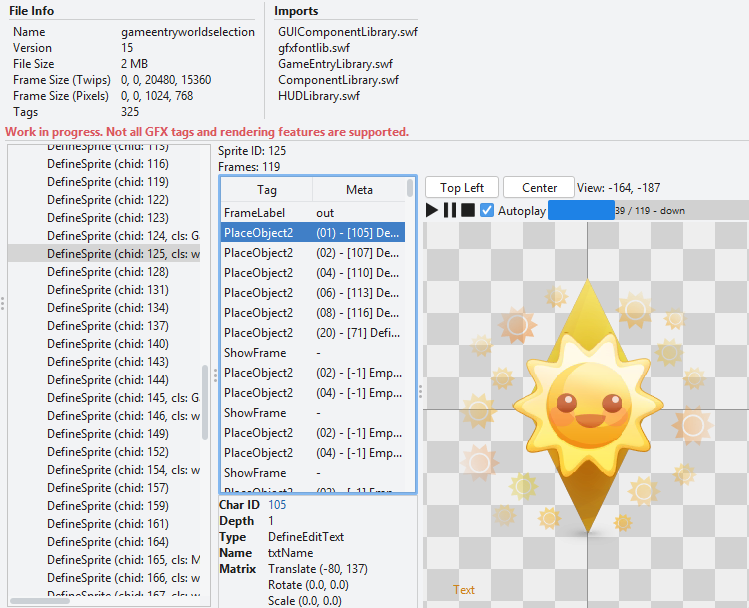
JPEX Free Flash Decompiler
Section titled “JPEX Free Flash Decompiler”Also known as FFDec, this program offers full editing of GFX files.
Unfortunately, FFDec isn’t aware of Sims 4 or the .package format, so it doesn’t have images references. This causes all images to appear as red boxes. However, you can cross reference with S4E to know what you’re editing.
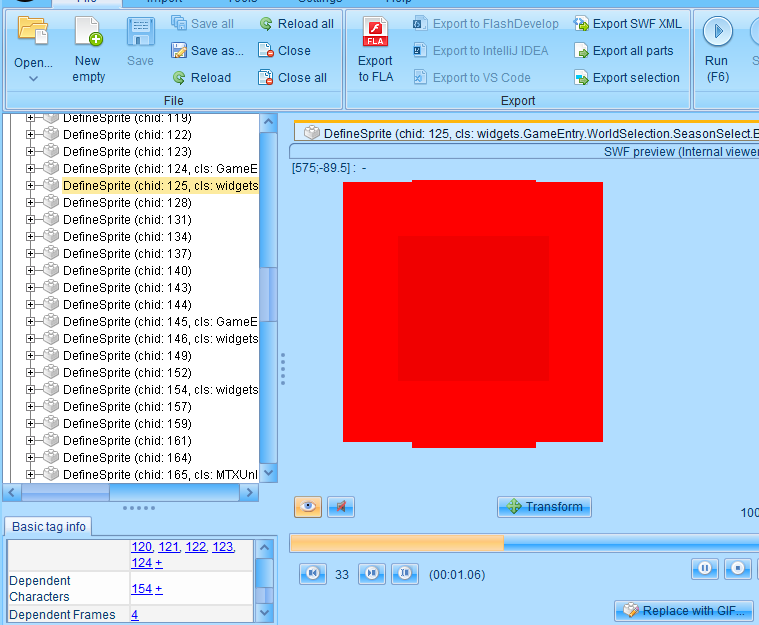 This is the same
 DefineSprite tag as shown above, chid: 125.
JPEX offers full GFX editing, but it requires a fair bit of manual work and understanding of the GFX format.